
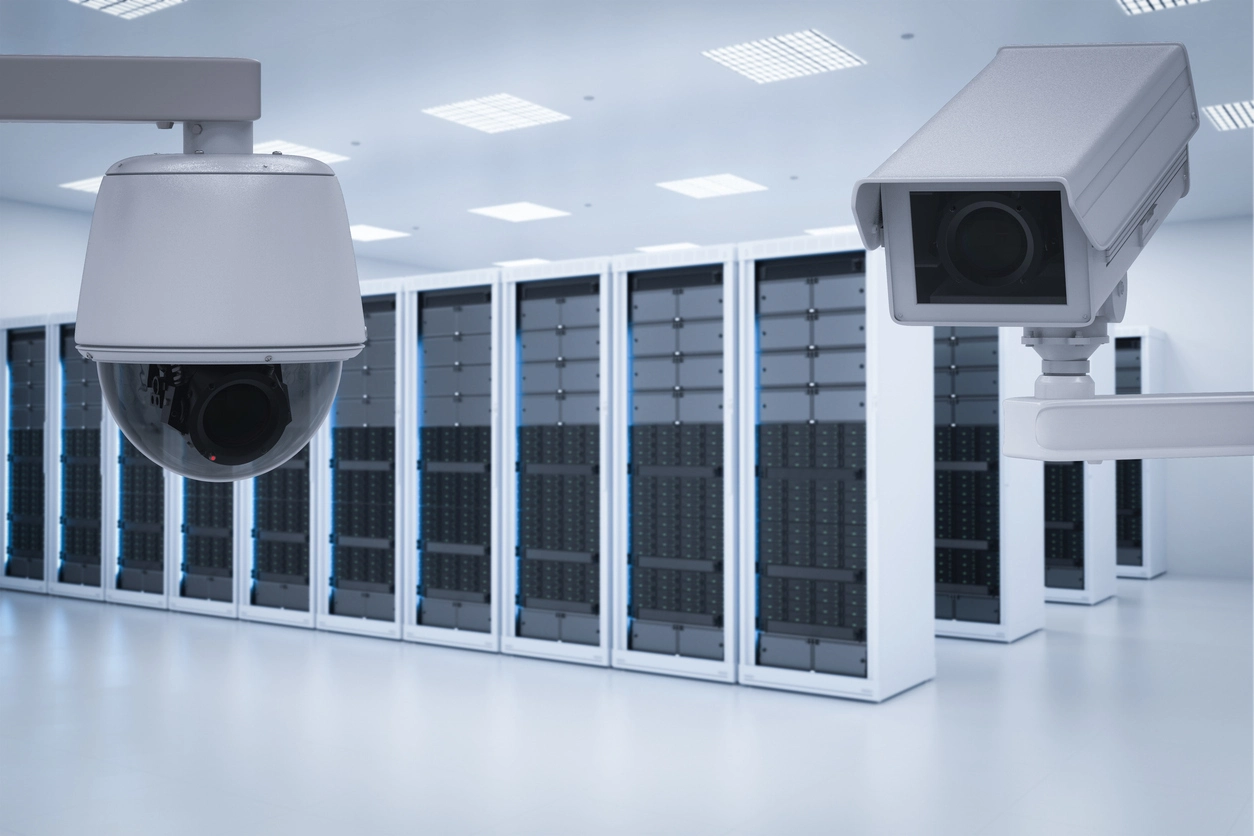
Large Commercial Camera Systems
Support higher camera counts, longer footage retention, and more reliable storage for larger business surveillance systems.
Surveillance Storage Protection
Camera Security Now helps businesses plan NVR and RAID storage for video surveillance systems that need better footage retention, drive redundancy, and protection against avoidable footage loss.
Network video recorders can store surveillance footage from business camera systems, but standard storage may leave footage vulnerable if a hard drive fails.
RAID storage uses multiple hard drives to improve redundancy, performance, or capacity depending on the RAID level selected. For businesses that rely on recorded footage, storage planning is a critical part of surveillance system design.
Camera Security Now helps businesses evaluate NVR storage, RAID levels, hard drive capacity, video retention, camera count, resolution, motion recording, and long-term footage protection.
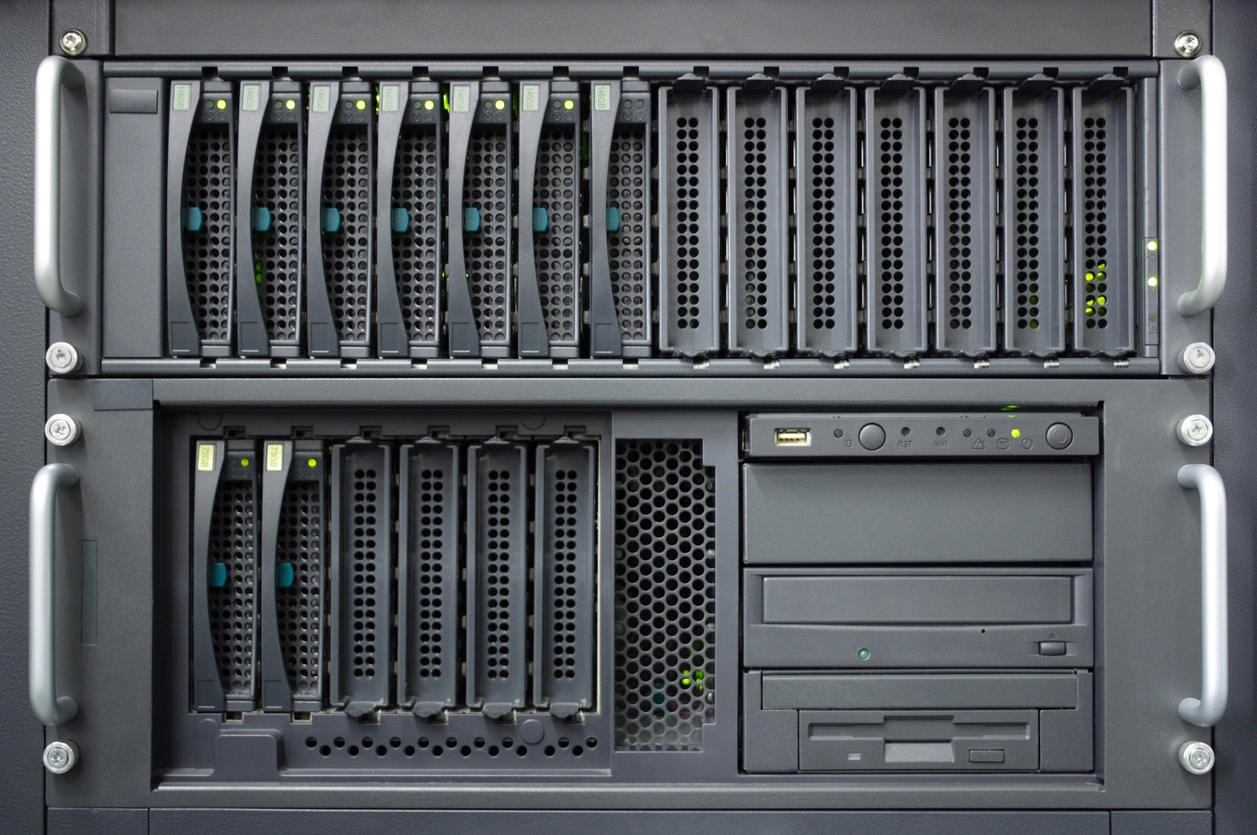
If your business needs recorded footage after an incident, storage reliability should be planned before a drive failure happens.
RAID configurations with redundancy can help protect footage when a hard drive fails, depending on the RAID level.
NVR storage planning helps determine how long footage remains available before it is overwritten.
Larger camera systems, higher resolutions, and longer retention periods may require expanded storage or RAID planning.
RAID storage is often evaluated when footage availability, retention, and storage reliability matter.
Support higher camera counts, longer footage retention, and more reliable storage for larger business surveillance systems.
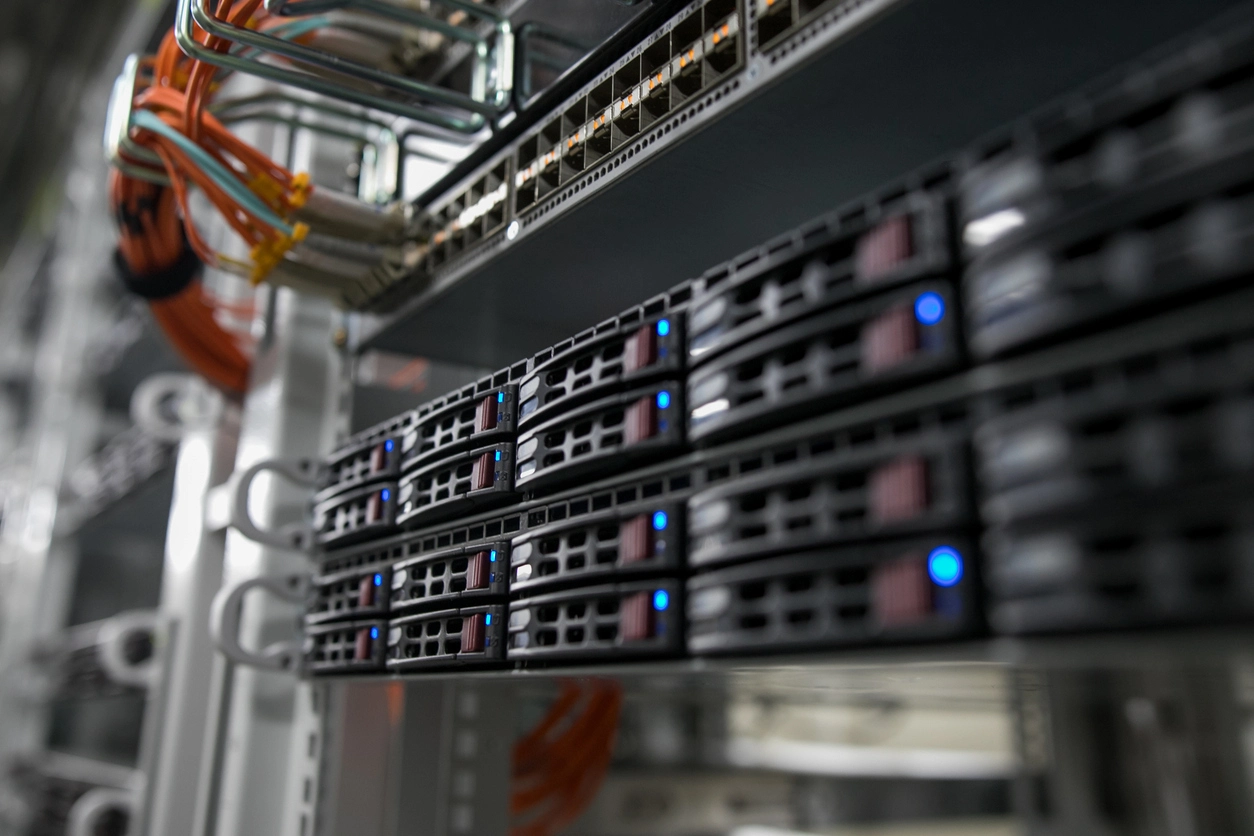
Protect footage from docks, yards, inventory areas, loading zones, employee entrances, and vehicle traffic.
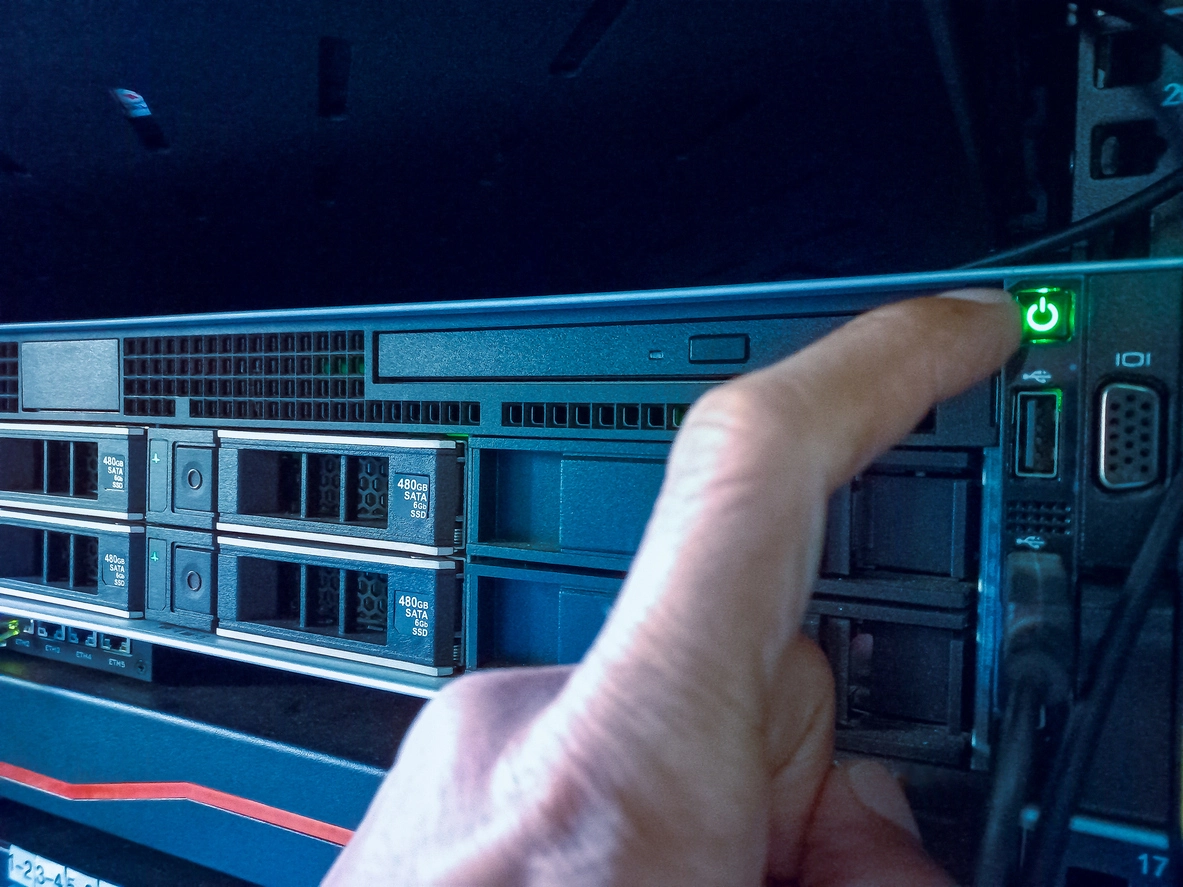
Support retention and redundancy for hallways, entrances, parking lots, campuses, and public-facing facilities.
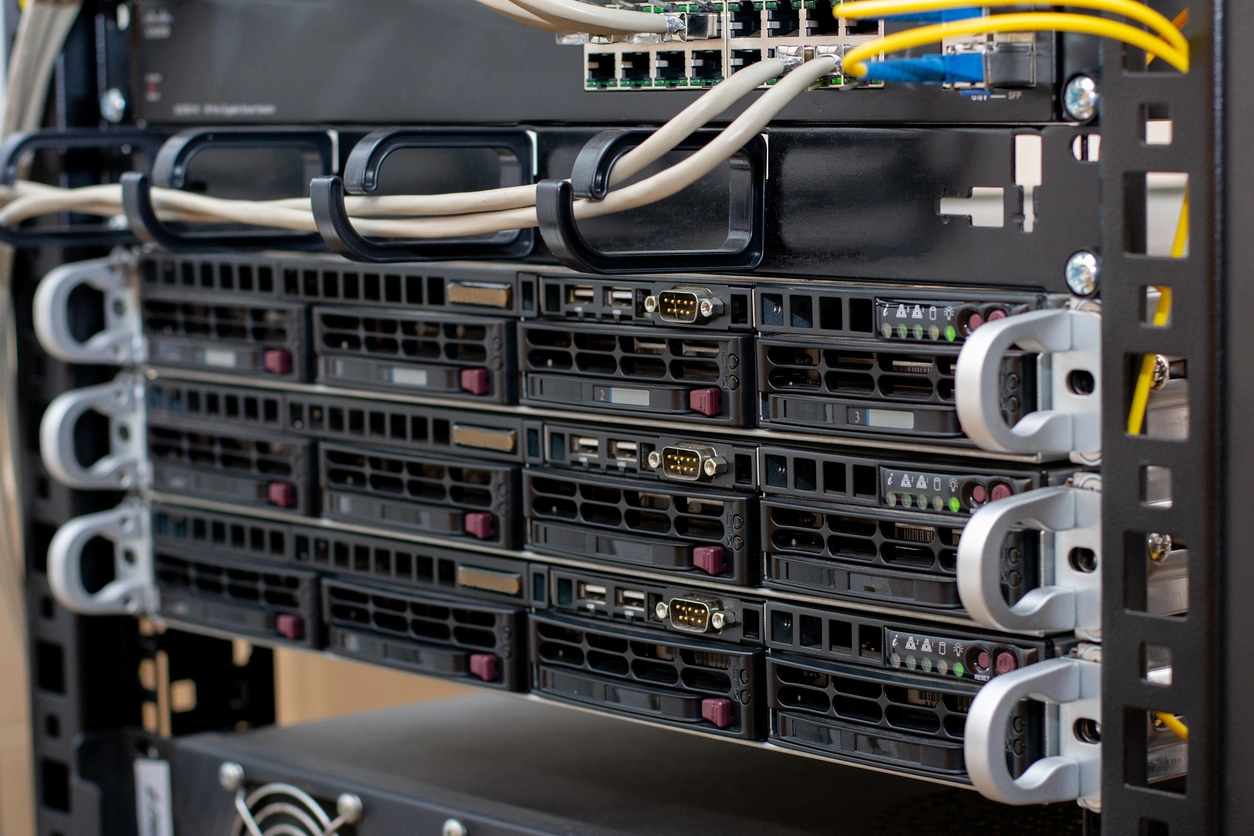
Use storage redundancy where recorded footage may be important for investigations, claims, liability, or compliance review.
Planning Considerations
Not every RAID configuration is appropriate for every surveillance system.
RAID 0 can improve read and write performance, but it does not provide redundancy. If one drive fails, the entire array can fail and footage may be lost. For video storage where footage protection matters, RAID 0 is usually not the right choice.
RAID 1, RAID 5, RAID 6, RAID 10, RAID 50, and RAID 60 each provide different combinations of redundancy, performance, usable capacity, and minimum drive requirements. Camera Security Now can help evaluate the best fit for your camera count, retention goal, and risk tolerance.
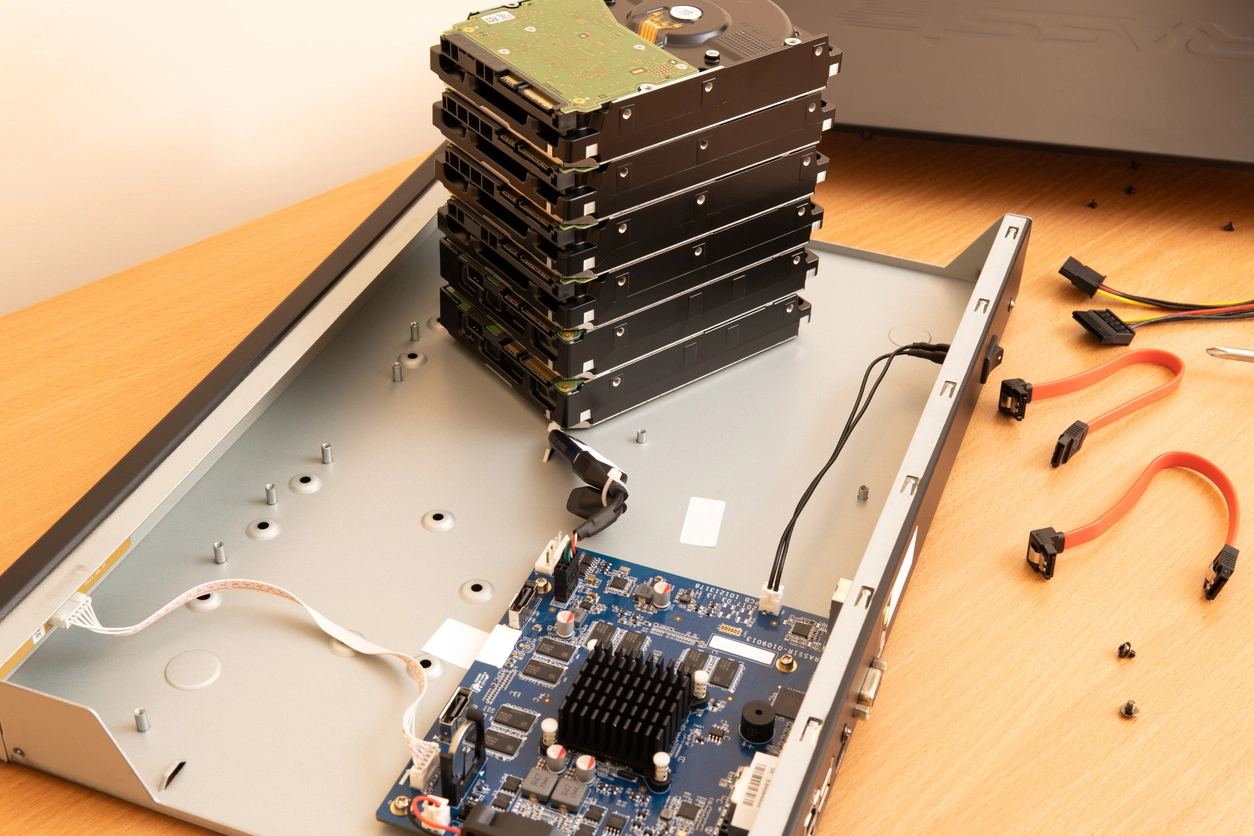
RAID storage should be planned around drive count, usable capacity, redundancy needs, camera resolution, recording settings, and retention goals.
RAID configurations with redundancy can allow the system to remain operational after certain drive failures, depending on the RAID level.
Redundant RAID levels reduce usable storage capacity because some drive space is used for mirroring or parity.
More cameras and higher-resolution footage usually require more storage capacity and careful recorder sizing.
The storage plan should support how long your organization needs footage available before it is overwritten.
NVR RAID storage connects directly to video storage, network video recorders, camera service, installation, and high-resolution camera planning.
NVR RAID storage can help businesses protect surveillance footage and plan reliable video retention.
Security camera footage can be critical after theft, vandalism, workplace incidents, vehicle activity, liability claims, or operational problems. If a recorder hard drive fails and there is no redundancy, the footage your business needs may be lost.
RAID storage can help reduce that risk by spreading, mirroring, or protecting data across multiple hard drives depending on the configuration. The best RAID level depends on how many drives are available, how much usable storage is required, and how much protection the organization needs.
Camera Security Now helps businesses evaluate NVRs, RAID levels, hard drive capacity, video retention, high-resolution camera storage, motion recording, and long-term footage protection so surveillance storage is designed around real needs.
Get answers to common questions about this security camera solution.
RAID stands for Redundant Array of Independent Disks. In security camera systems, RAID can use multiple hard drives to improve storage performance, capacity, or redundancy depending on the RAID level.
RAID can help reduce the risk of losing surveillance footage when a hard drive fails. The level of protection depends on the RAID configuration and number of drives used.
RAID 0 provides striping without redundancy. If one drive fails, the array can fail and footage may be lost, so it is generally not recommended when data protection is important.
Common RAID levels considered for surveillance storage include RAID 1, RAID 5, RAID 6, RAID 10, RAID 50, and RAID 60. The right option depends on drive count, required capacity, redundancy needs, and performance expectations.
Tell us how many cameras you have, how long you need to retain footage, and how important drive redundancy is. We’ll help you evaluate NVR RAID options.