
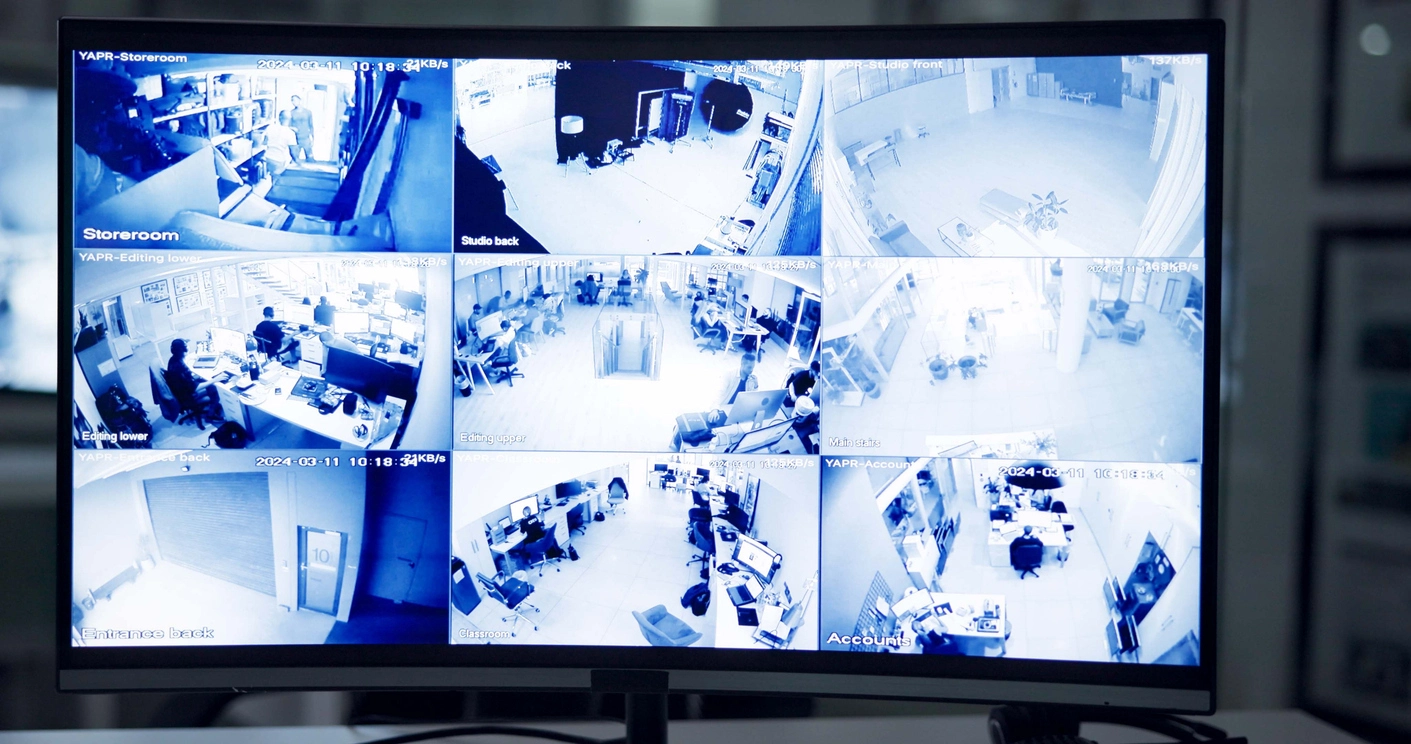
Small Business Camera Systems
Support a practical number of cameras for offices, retail shops, restaurants, clinics, small warehouses, and local facilities.
Security Camera Recording and Storage
Camera Security Now helps businesses select network video recorders for secure camera recording, video storage, playback, remote access, and long-term surveillance management.
A security camera system needs more than cameras. The footage has to be recorded, stored, organized, reviewed, and protected. For IP camera systems, that responsibility usually belongs to the network video recorder.
A network video recorder, often called an NVR, connects to IP security cameras over a network and records video to internal hard drives. It can also support camera management, playback, remote access, alerts, user permissions, and video analytics depending on the system selected.
Camera Security Now helps businesses choose NVR solutions for small, medium, and large surveillance systems, including commercial properties, warehouses, schools, retail stores, manufacturing facilities, government buildings, and multi-location operations.
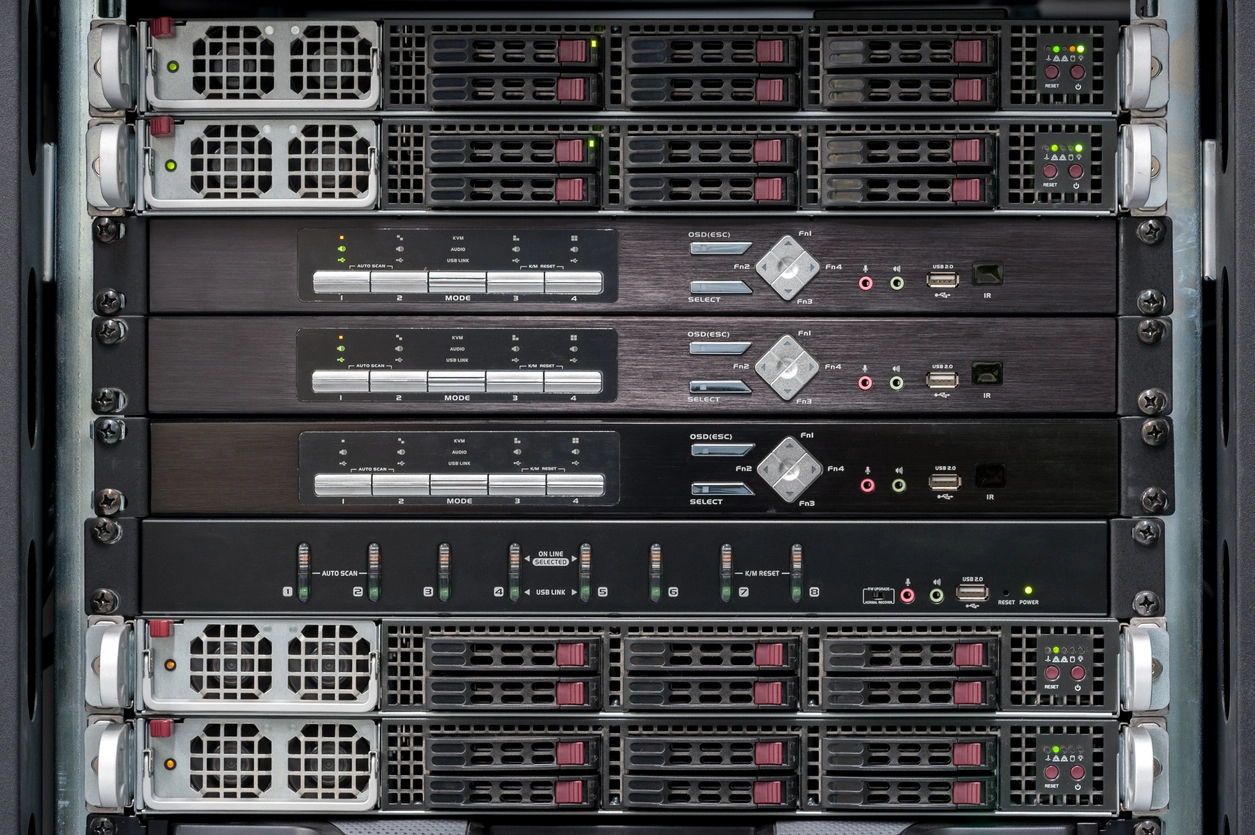
The right network video recorder determines how easily your business can store, find, review, and manage security footage.
NVRs record footage from IP cameras to hard drives so important video remains available for review after an incident.
A good NVR helps users find recorded footage by camera, time, date, motion event, or supported analytics feature.
Many NVR systems support local monitor viewing as well as secure remote access from approved computers or mobile devices.
NVR systems are used across nearly every modern IP camera installation, from small businesses to large commercial surveillance deployments.
Support a practical number of cameras for offices, retail shops, restaurants, clinics, small warehouses, and local facilities.
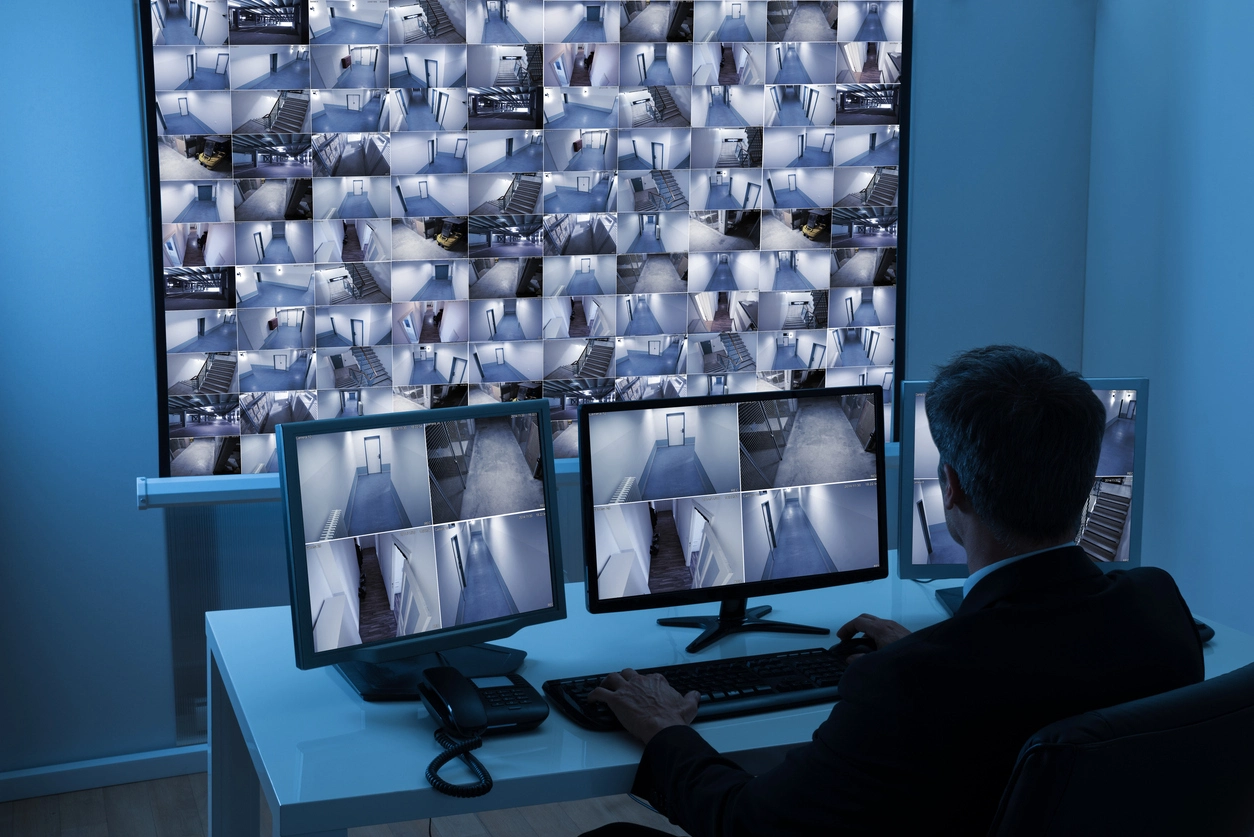
Record footage from dock cameras, inventory areas, entrances, yards, production areas, and employee access points.
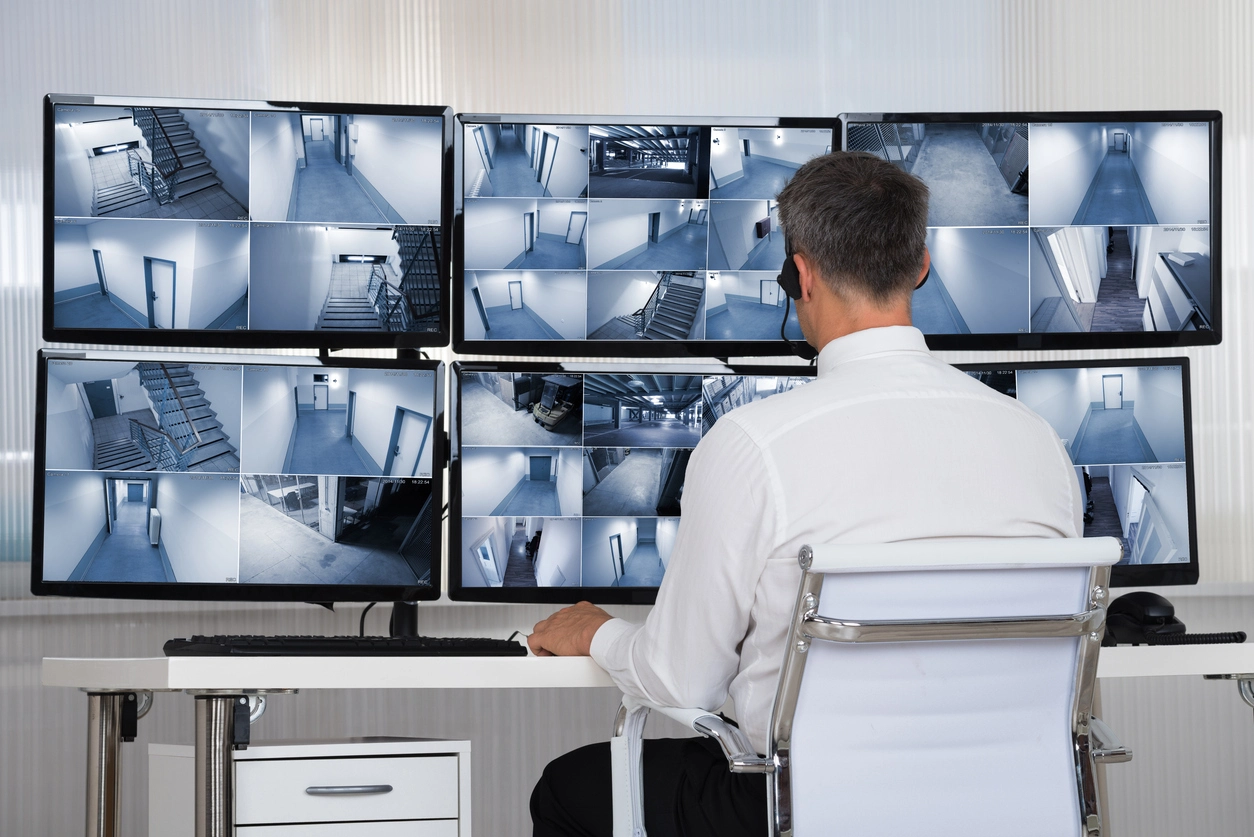
Manage footage from hallways, entrances, parking lots, playgrounds, cafeterias, athletic areas, and multi-building campuses.
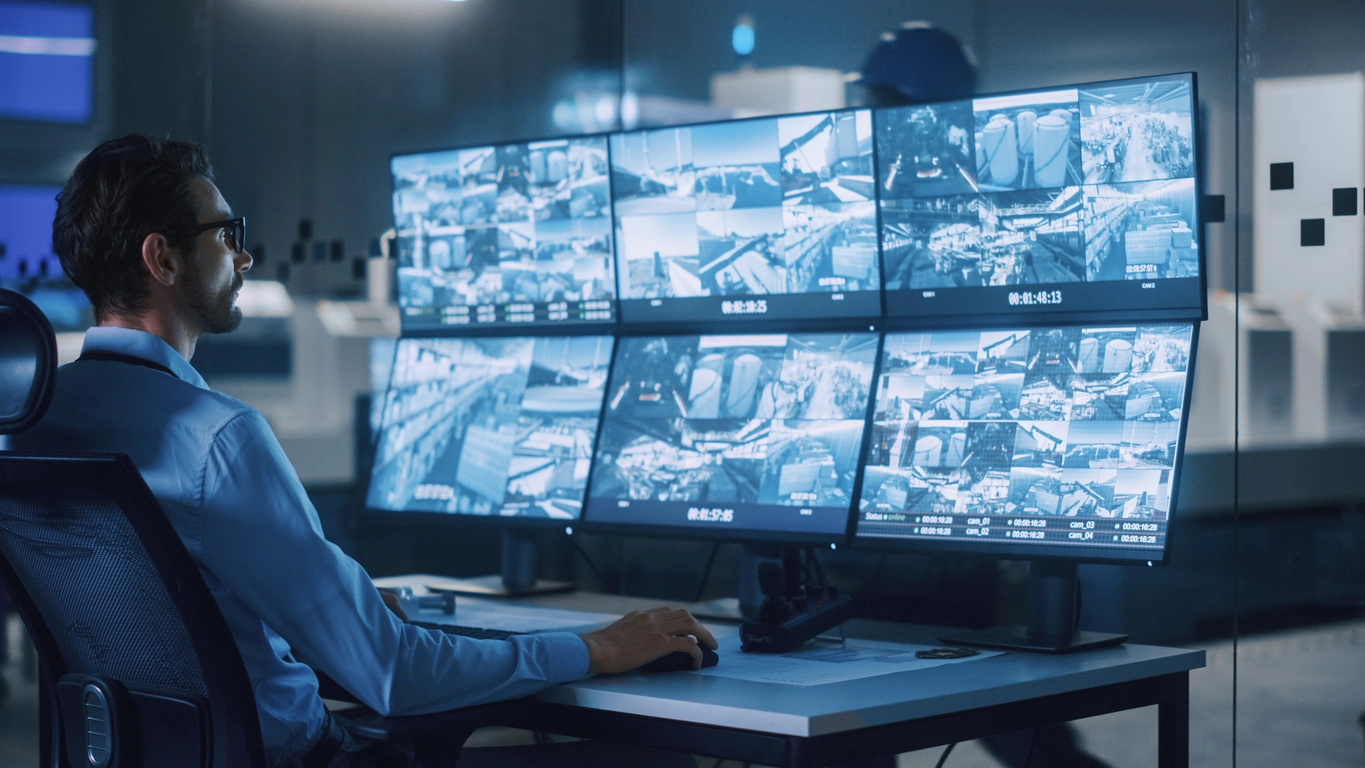
Support higher camera counts, longer retention, user permissions, analytics, remote access, and enterprise-level surveillance requirements.
Planning Considerations
The right recorder should match the camera count, resolution, retention goal, and expansion plan for the property.
A small system may only need a compact recorder with a few channels and modest storage. A larger facility may need more channels, more hard drive bays, higher throughput, RAID options, failover planning, analytics support, or centralized management.
Camera Security Now can help compare NVR options from practical everyday systems through higher-end solutions used for large commercial camera deployments. The best NVR is the one that supports your cameras today while leaving enough room for the system your business may need tomorrow.

NVR planning should account for camera count, resolution, retention, network capacity, remote access, user permissions, and system reliability.
Choose an NVR with enough channels for current cameras and future expansion so the system does not need to be replaced too soon.
Hard drive capacity should be planned around camera count, resolution, frame rate, compression, and how long footage must be saved.
High-resolution cameras require the NVR to handle more video data, especially when many cameras record at once.
NVR remote access should be configured securely with appropriate users, permissions, passwords, updates, and network settings.
Network video recorders are closely connected to video storage, remote access, motion activation, high-resolution cameras, and centralized management.
Network video recorders provide the storage, playback, and management foundation for IP camera systems.
A network video recorder is one of the most important pieces of a commercial surveillance system. Cameras capture the footage, but the NVR stores it, organizes it, and makes it available when someone needs to review an incident. Without the right recorder, even a strong camera layout can become difficult to manage.
Businesses should select an NVR based on camera count, resolution, recording schedule, storage retention, remote access needs, analytics requirements, and future expansion. Higher-resolution cameras, longer retention periods, and larger facilities usually require more careful recorder planning.
Camera Security Now helps organizations compare NVR systems for small businesses, warehouses, schools, government buildings, retail locations, manufacturing facilities, and multi-site operations so footage is captured, stored, and accessible when it is needed.
Get answers to common questions about this security camera solution.
A network video recorder, or NVR, is the recording and management device used with IP security cameras. It stores video footage, manages camera connections, supports playback, and may provide remote access, alerts, and video analytics depending on the system.
NVRs are available in different channel counts, such as 4, 8, 16, 32, 64, or more cameras. The right size depends on the current camera count, future expansion, resolution, storage needs, and network design.
Retention depends on hard drive capacity, number of cameras, resolution, frame rate, compression, recording schedule, and whether the system records continuously or only on motion.
Yes. Many NVR systems support secure remote access so approved users can view live cameras, review recorded footage, and manage the system from authorized devices.
Tell us how many cameras you have, how long you need to keep footage, and whether you need remote access. We’ll help you size the right network video recorder for your system.