

Retail and Restaurant Systems
Retain footage from registers, entrances, dining rooms, kitchens, drive-thru lanes, stock rooms, and customer areas long enough for incident review.
Surveillance Video Retention
Camera Security Now helps businesses plan security camera video storage solutions that support longer footage retention, better data protection, and scalable surveillance recording.
Security camera footage is only valuable if it is still available when your business needs to review it. A system with too little storage may overwrite important footage before anyone realizes an incident occurred.
Video storage requirements vary widely based on camera count, resolution, frame rate, recording schedule, motion activation, compression, and the number of days or weeks your business needs footage retained.
Camera Security Now helps businesses evaluate NVR storage, hard drive upgrades, network-attached storage, direct-attached storage, RAID configurations, expansion servers, and long-term video retention strategies.
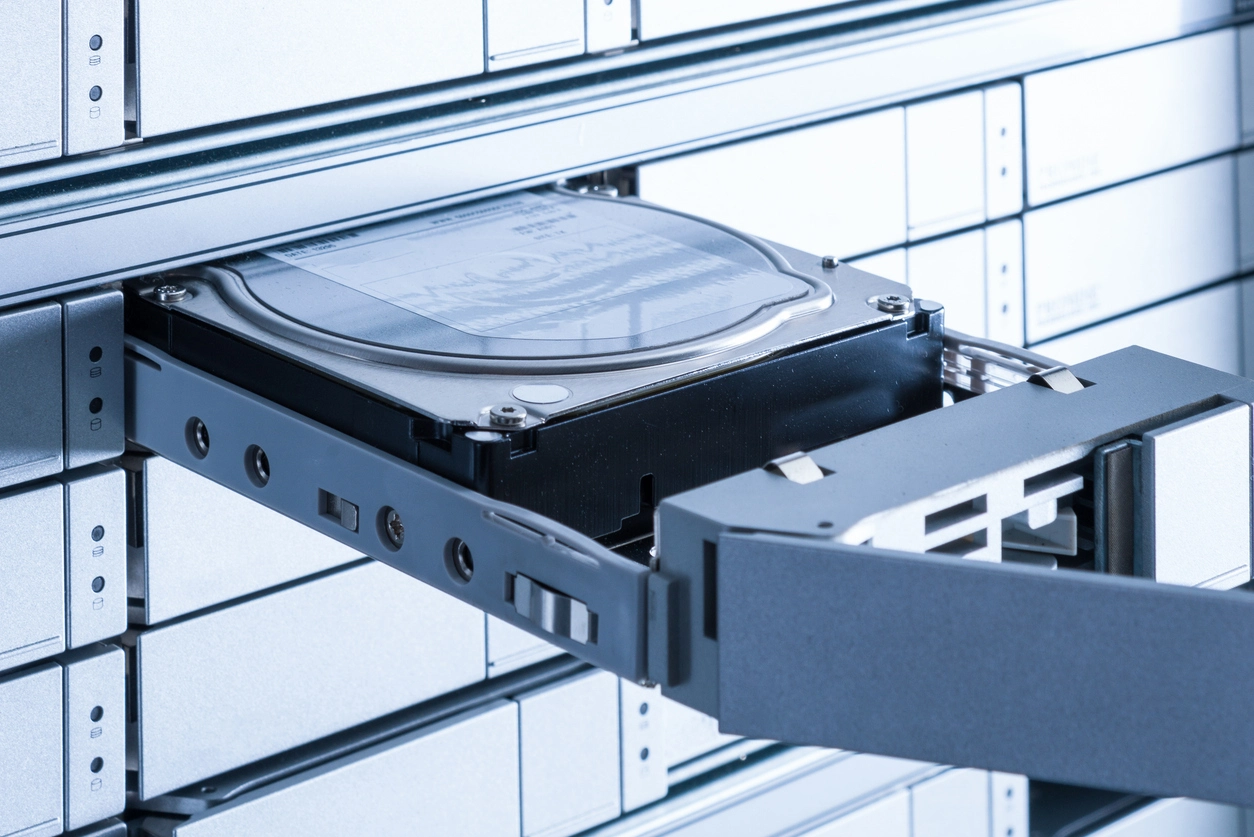
The right storage design can help prevent footage from being overwritten too soon, lost from drive failure, or inaccessible when needed.
Storage planning helps determine how many days, weeks, or months of footage your camera system can retain.
RAID and redundancy options can help protect surveillance footage from certain hard drive failures.
Larger systems can use expanded NVR storage, NAS, DAS, or server-based options to support more cameras and longer retention.
Different organizations need different storage strategies depending on risk, camera count, resolution, and review requirements.
Retain footage from registers, entrances, dining rooms, kitchens, drive-thru lanes, stock rooms, and customer areas long enough for incident review.
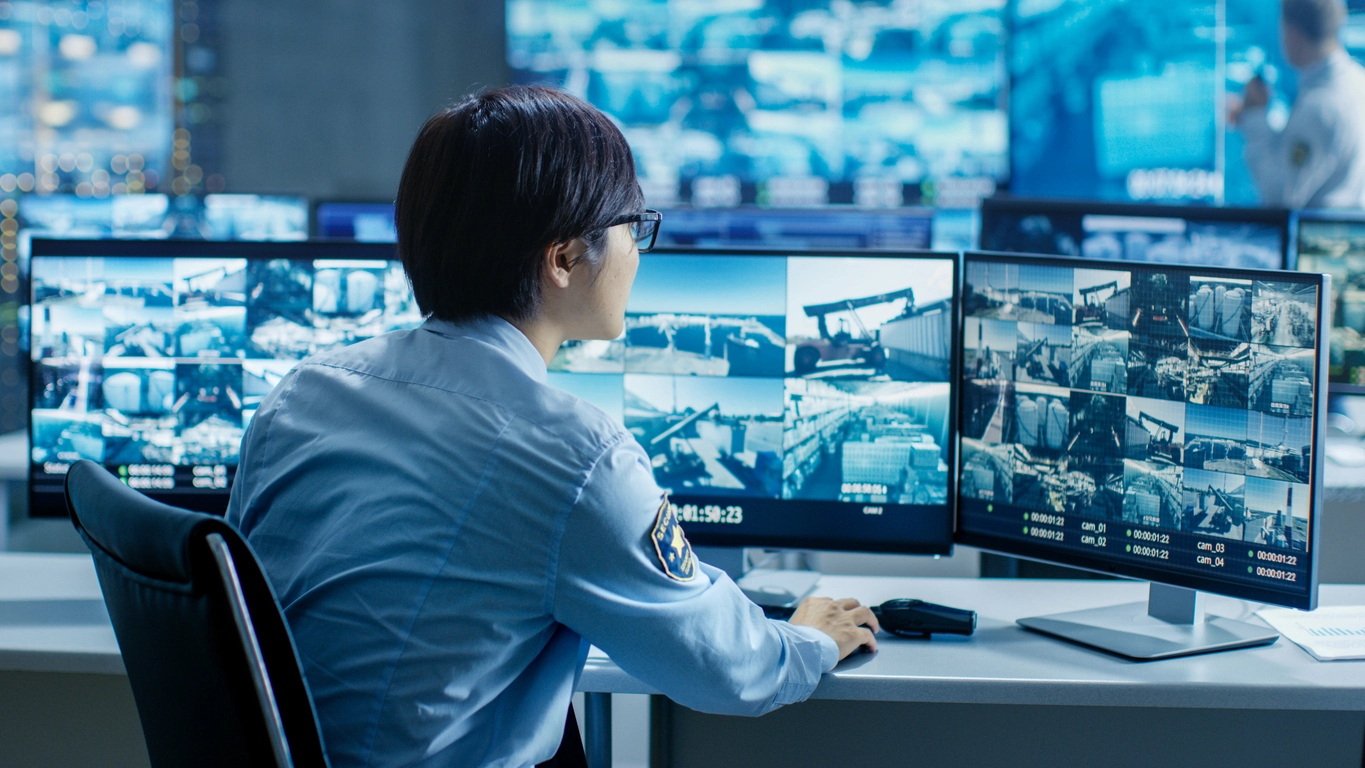
Store footage from docks, inventory aisles, yards, shipping zones, employee entrances, and vehicle areas across large facilities.
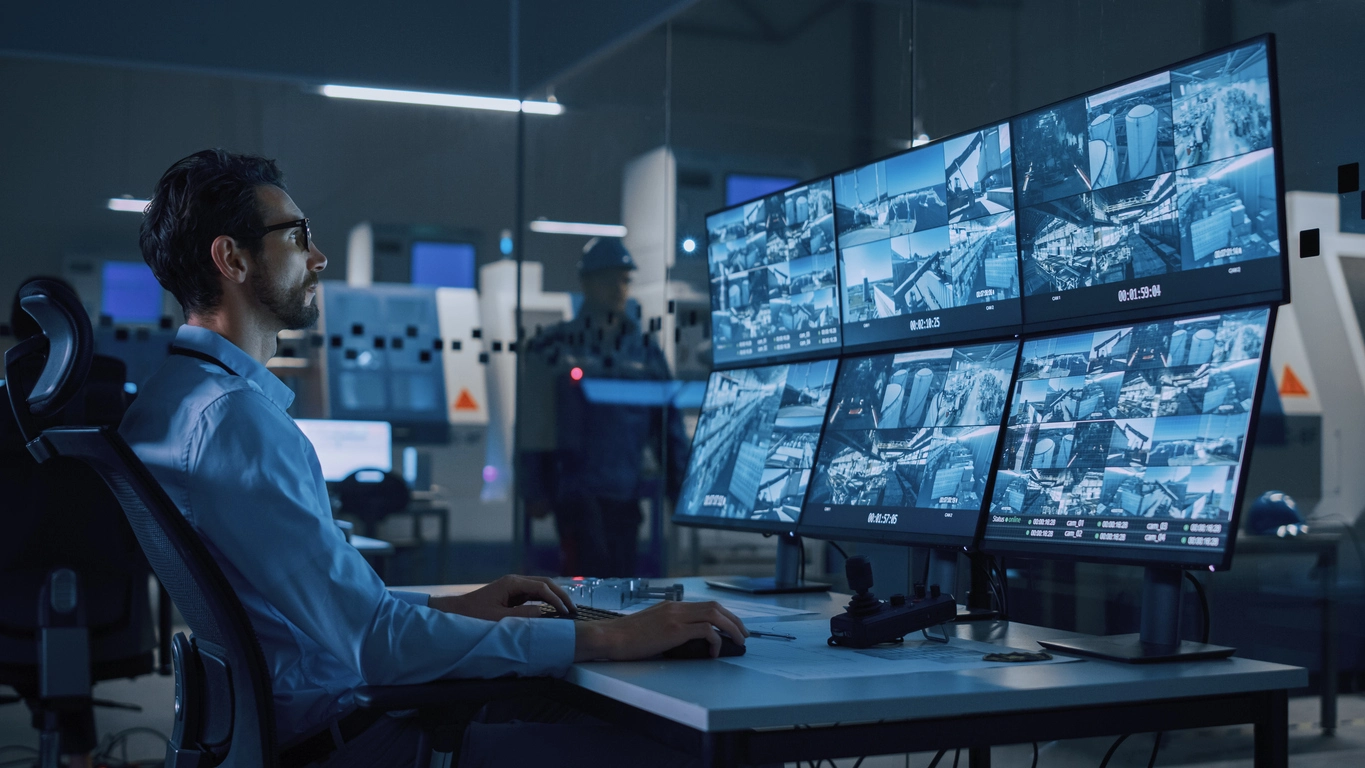
Support longer retention for hallways, entrances, parking lots, athletic areas, cafeterias, playgrounds, and multi-building camera systems.
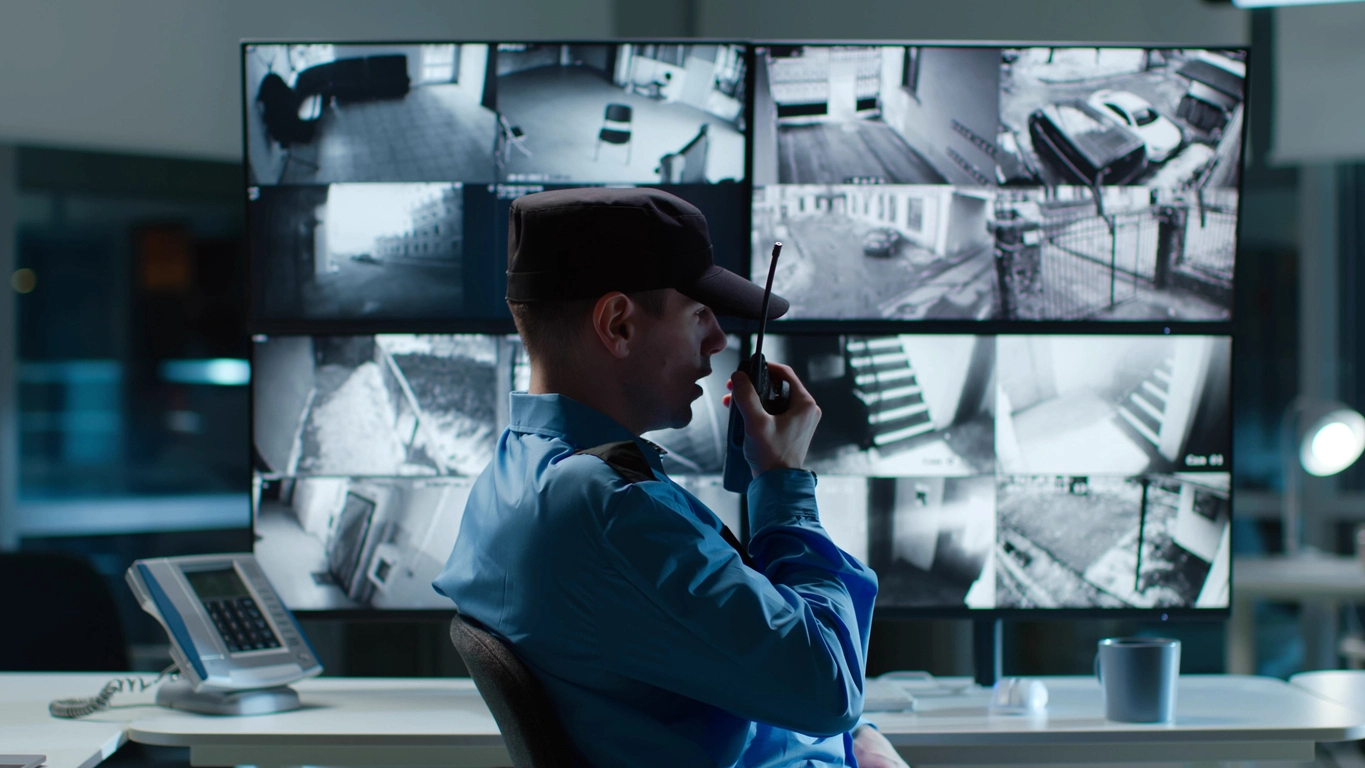
Plan higher-capacity storage for large camera counts, high-resolution recording, user access, compliance needs, and long-term review.
Planning Considerations
Storage shortages usually show up when footage is needed most.
If there is not enough storage, the system may overwrite older footage too quickly. If a hard drive fails and there is no redundancy, footage may be permanently lost. If the system cannot scale, adding more cameras or increasing resolution can shorten retention even further.
A well-planned storage system accounts for the number of cameras, recording quality, desired retention period, motion settings, redundancy needs, and future expansion before the system is installed.

Security camera storage should be sized around camera count, video quality, recording behavior, redundancy, and how long footage needs to remain available.
More cameras and higher-resolution footage usually require more storage capacity and careful recorder planning.
Businesses should decide whether footage needs to be retained for days, weeks, months, or longer based on risk and review needs.
Continuous recording uses more storage than motion-activated or scheduled recording, but each approach has tradeoffs.
RAID, redundant storage, and backup strategies can help reduce the risk of losing footage from drive failure.
Video storage is closely connected to NVR systems, motion activation, remote access, high-resolution cameras, and centralized management.
Security camera storage determines how long footage remains available and whether the system can support the camera quality and retention period the business expects.
A commercial camera system may include excellent cameras, but if the storage plan is too small, the footage may disappear before it can be reviewed. This is especially important for businesses that discover incidents days or weeks after they happen.
Storage needs are affected by camera count, resolution, frame rate, compression, recording schedule, motion activation, and retention requirements. A basic system may only need standard NVR storage, while larger facilities may need expanded hard drives, RAID, NAS, DAS, or server-based storage.
Camera Security Now helps businesses compare video storage options so the camera system can retain footage long enough, protect against avoidable data loss, and scale as the surveillance system grows.
Get answers to common questions about this security camera solution.
Security camera retention depends on the number of cameras, resolution, frame rate, compression, recording schedule, motion activation settings, and available storage capacity.
Most recorders overwrite the oldest footage when storage fills up. If the system does not have enough storage, important footage may be overwritten before it can be reviewed or saved.
RAID uses multiple hard drives to improve storage performance, capacity, or redundancy depending on the configuration. In surveillance systems, RAID can help reduce the risk of footage loss from a single drive failure.
Yes. Depending on the recorder and system design, storage can often be expanded with larger hard drives, additional hard drives, network-attached storage, direct-attached storage, or expansion servers.
Tell us how many cameras you have, how long you need to retain footage, and whether redundancy matters. We’ll help you plan the right storage solution.