Retail Stores
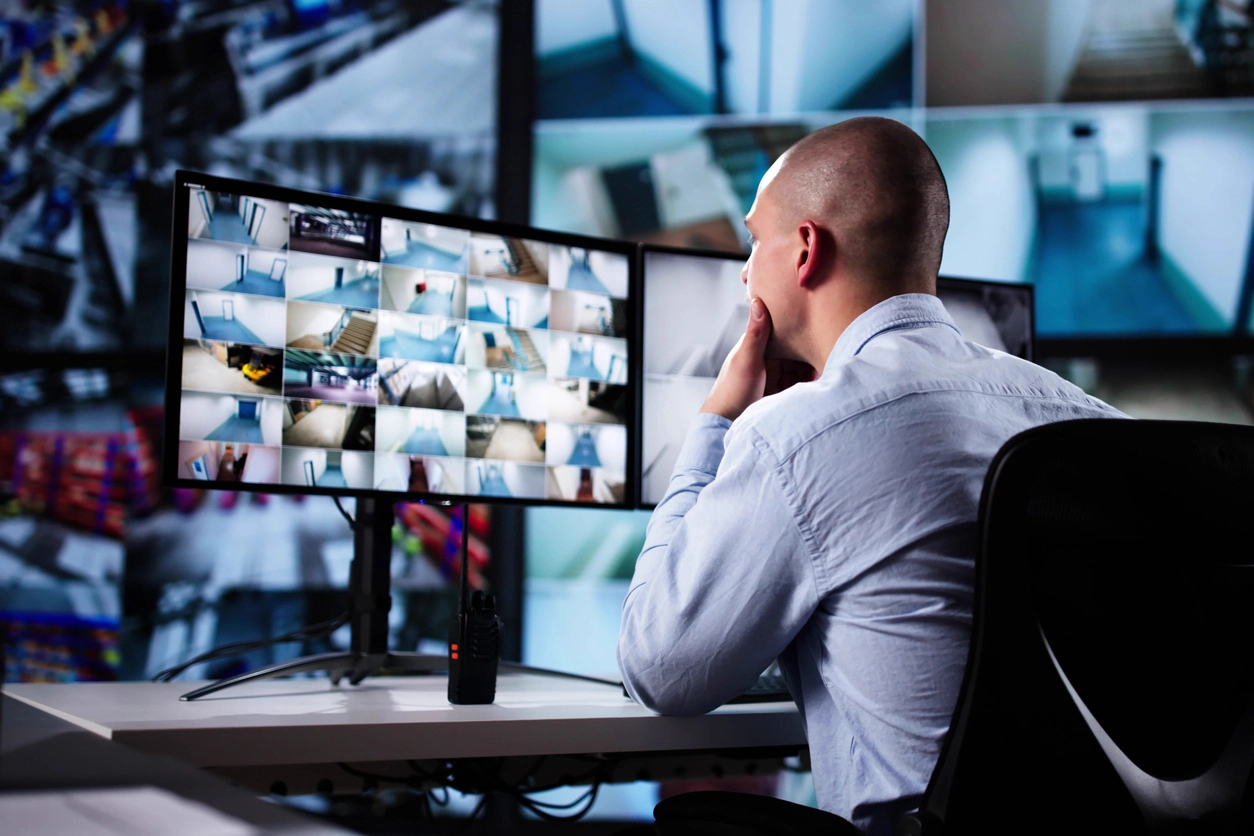
Check entrances, registers, sales floors, stock rooms, and after-hours activity from an approved phone or computer.
Remote Camera Viewing
Camera Security Now helps businesses set up remote access security camera systems that allow approved users to view cameras from phones, tablets, laptops, and desktop computers.
Business owners and managers cannot always be on site. Remote access gives approved users a practical way to check cameras from a mobile device or computer when they are traveling, working from another location, managing after-hours activity, or responding to an incident.
A properly configured remote viewing system can allow users to view live camera feeds and, depending on the system, search recorded footage from an NVR or compatible video platform. This can help businesses stay connected to stores, restaurants, offices, warehouses, schools, campuses, parking lots, and multi-location operations.
Camera Security Now helps businesses plan remote access around the camera system, recorder, internet connection, user permissions, mobile apps, desktop access, and network security so remote viewing is useful without becoming difficult to manage.
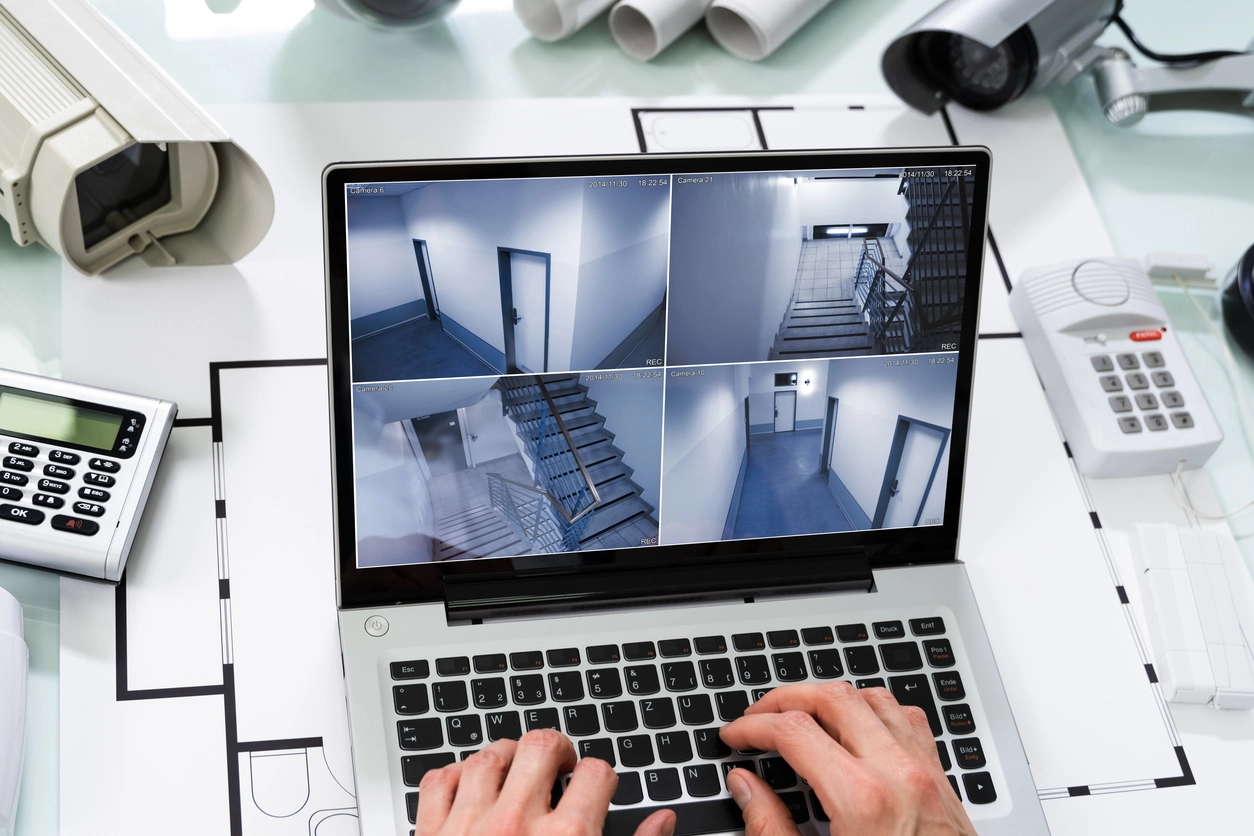
Remote access helps owners, managers, and security teams stay connected to the property without being physically present.
View cameras from approved smartphones, tablets, laptops, and desktop computers depending on the system and user permissions.
Check activity across stores, offices, warehouses, restaurants, campuses, and remote facilities from one approved viewing setup.
Many systems include remote viewing access without forcing businesses into monthly fees just to see their own cameras.
Remote camera access is useful for businesses that need visibility outside normal on-site management hours.
Check entrances, registers, sales floors, stock rooms, and after-hours activity from an approved phone or computer.
Monitor dining rooms, counters, kitchens, drive-thru lanes, cash handling areas, and multiple restaurant locations remotely.
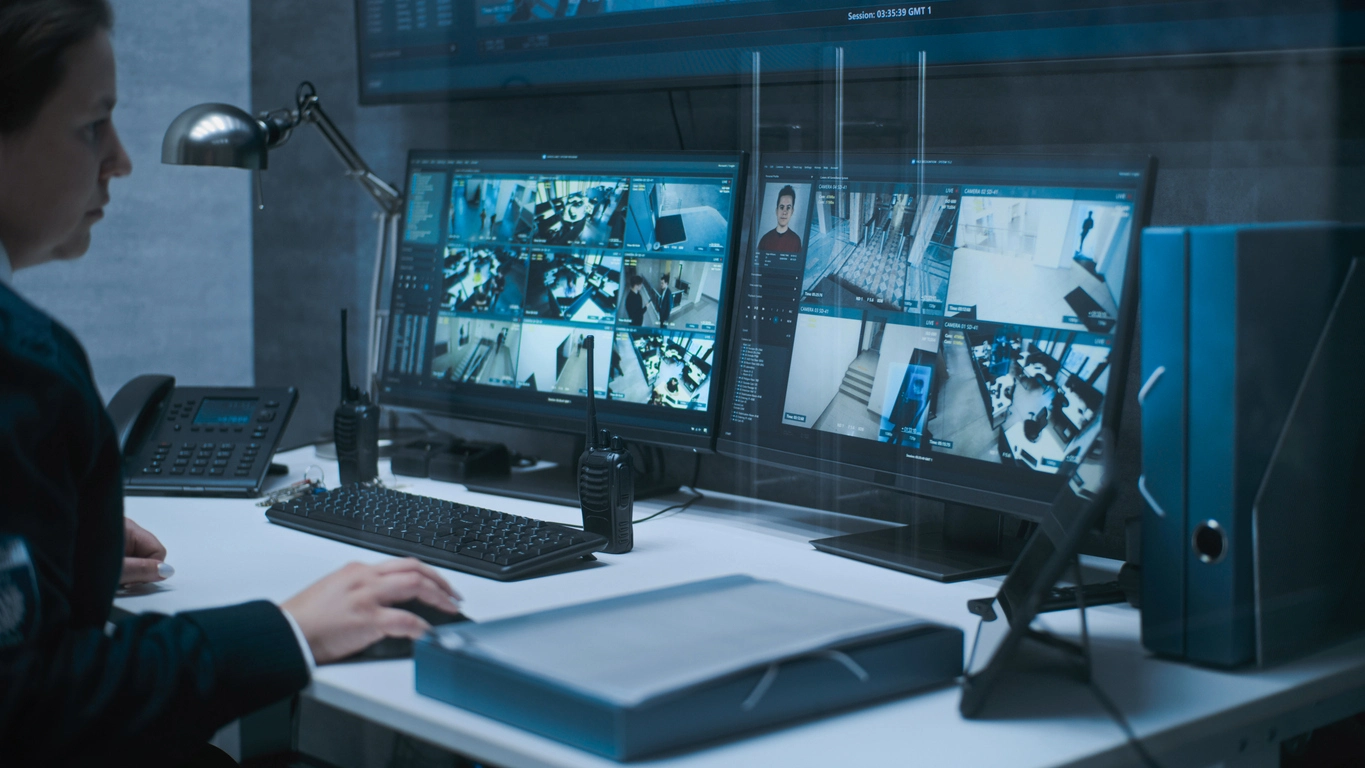
Review docks, yards, inventory areas, employee entrances, shipping zones, and exterior activity from approved remote devices.
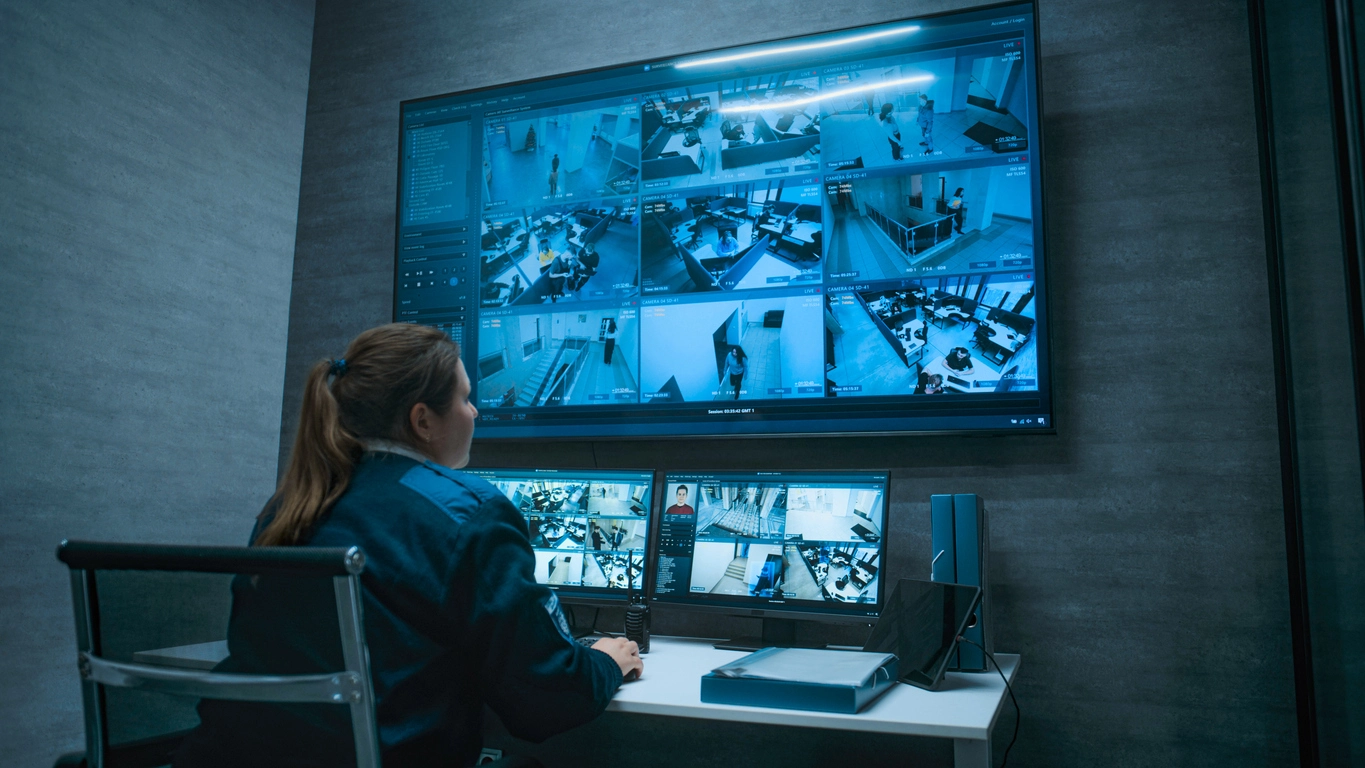
Give approved administrators or security personnel visibility into entrances, hallways, parking lots, playgrounds, and campus exteriors.
Planning Considerations
Remote viewing is most valuable when the right users can access the right cameras without weakening the security of the system.
A remote access camera system should not be configured as an open door into the network. User accounts, permissions, passwords, device access, recorder settings, and network configuration all matter.
Businesses may need different access levels for owners, store managers, regional managers, school administrators, security teams, and operations personnel. Camera Security Now can help plan remote access so users can view what they need without giving unnecessary access to the entire system.
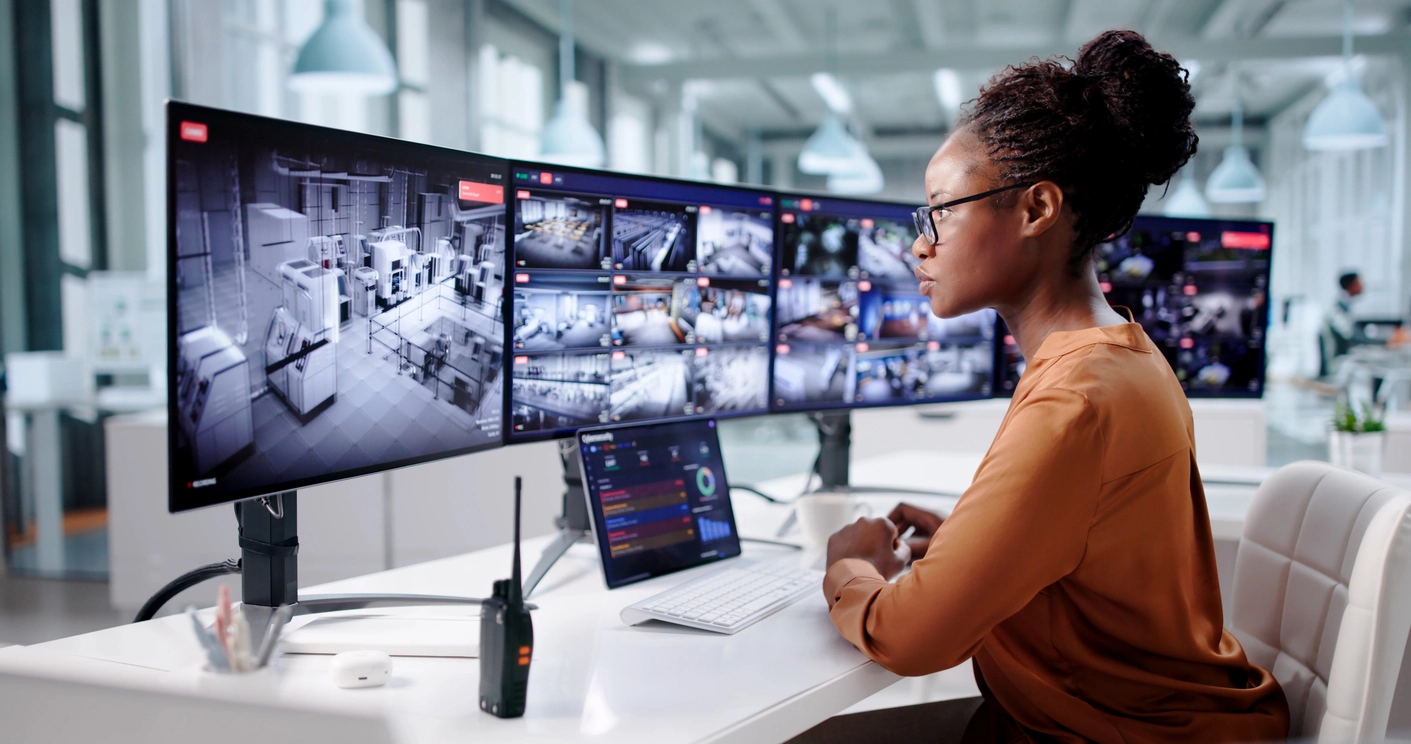
Remote access should be planned around internet reliability, user permissions, device compatibility, recorder support, and system security.
The camera system and viewing device both need reliable internet access for live remote viewing and playback.
Different users may need different access to live video, recorded footage, camera groups, or administrative settings.
Remote viewing can often work on mobile devices, tablets, laptops, and desktop computers depending on the system selected.
Remote access should be configured with strong passwords, updates, approved devices, and controlled user management.
Remote access often works alongside centralized management, NVR systems, video storage, motion activation, and high-resolution cameras.
Remote access security cameras give businesses a practical way to view cameras when owners, managers, and security teams are not physically on site.
Remote viewing is one of the most requested features in modern commercial surveillance systems. Businesses want to check cameras from a phone, tablet, or computer without being tied to one back-office monitor or recorder location.
Remote access can support daily operations, after-hours review, multi-location oversight, emergency response, and incident investigation. It is especially useful for retail stores, restaurants, warehouses, schools, offices, campuses, parking lots, and businesses with multiple properties.
Camera Security Now helps organizations evaluate remote access camera systems, NVR compatibility, mobile apps, desktop viewing, user permissions, and secure network configuration so the business can stay connected to its cameras without unnecessary complications.
Get answers to common questions about this security camera solution.
Remote access allows approved users to view live security camera footage and, depending on the system, recorded video from a phone, tablet, laptop, or desktop computer connected to the internet.
Many Camera Security Now systems include remote viewing capabilities without additional recurring remote access fees. Specific requirements depend on the system, network, recorder, and viewing setup.
Yes. Remote viewing can often be configured for approved smartphones, tablets, desktop computers, and laptops, depending on the camera system and software.
Remote access should be configured with secure user permissions, strong passwords, appropriate network settings, firmware updates, and controlled account access so only approved users can view the cameras.
Tell us how many cameras and locations you need to view remotely. We’ll help you plan a secure remote access camera system for your business.