Business Owners and Managers
Check storefronts, offices, warehouses, restaurants, parking lots, and work areas while away from the property.
Remote Camera Viewing
Camera Security Now helps businesses configure remote viewing for security camera systems so approved users can check live cameras and recorded footage from mobile devices, tablets, laptops, and desktop computers.
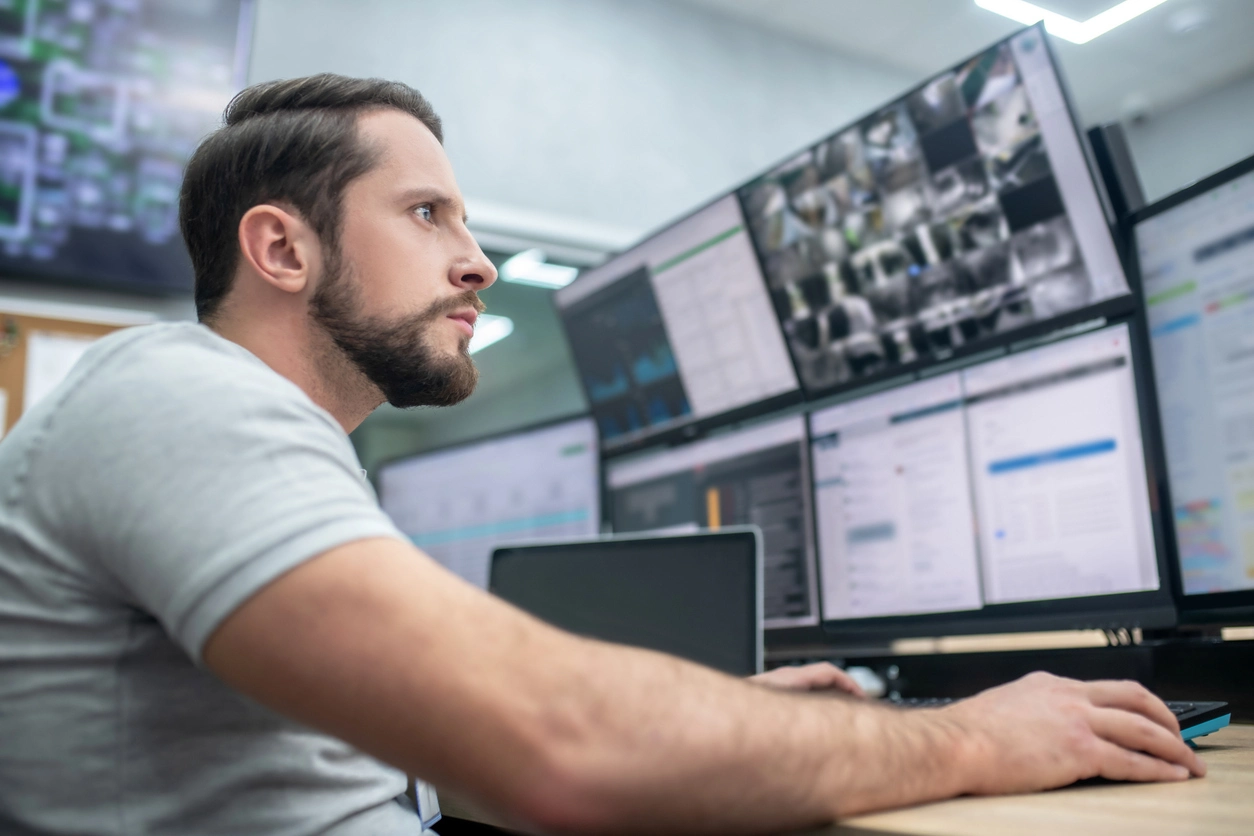
Remote viewing is one of the most useful features of a modern security camera system. It allows business owners, managers, school administrators, and security teams to check live camera feeds even when they are away from the property.
Depending on the system, remote access can work from smartphones, tablets, laptops, or desktop computers. Approved users may also be able to review recorded footage remotely, making it easier to respond to incidents, after-hours activity, or customer and employee concerns.
Camera Security Now helps businesses plan remote viewing around the recorder, network, user permissions, mobile access, desktop viewing, alerts, and security requirements.
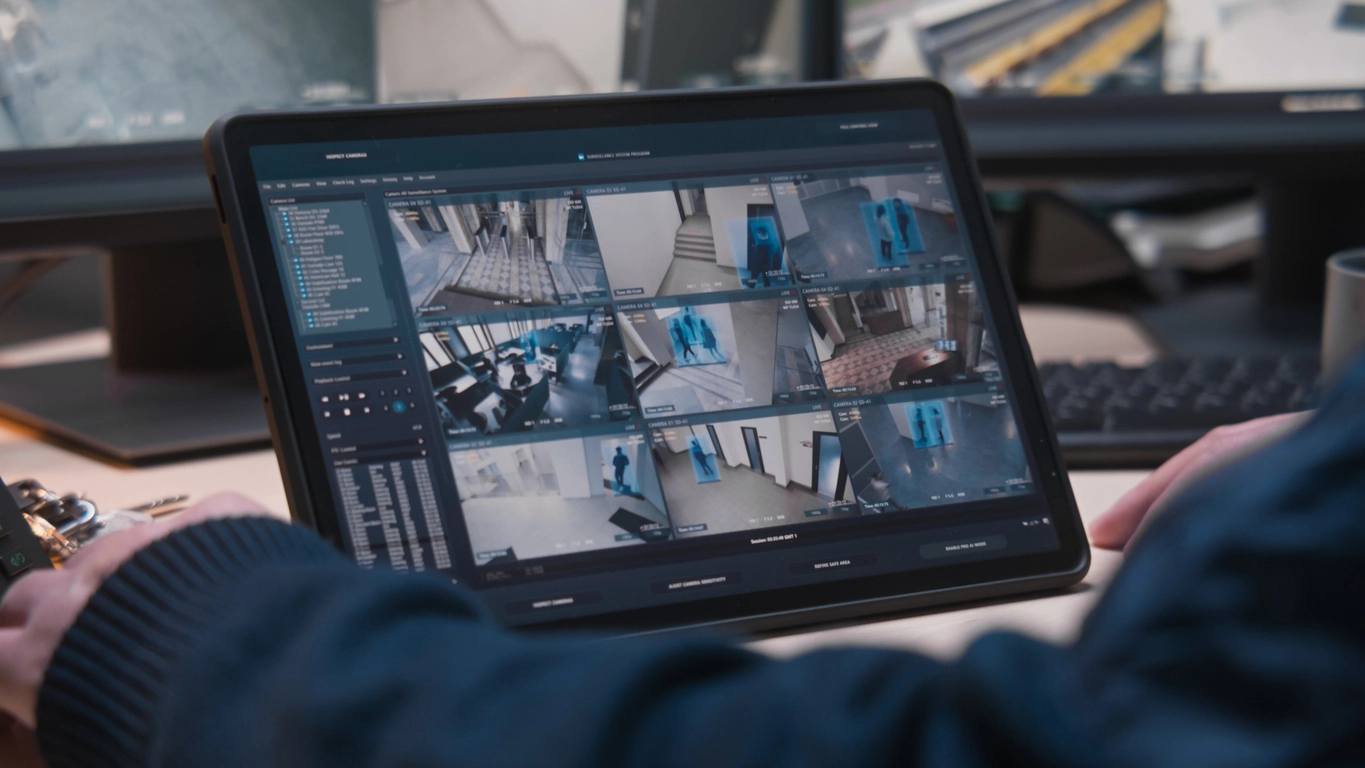
Remote viewing gives approved users practical visibility into the property without requiring them to be on site.
Check camera feeds from approved mobile devices or computers when you are traveling, managing another location, or responding after hours.
Review stored footage remotely when the system, recorder, and permissions support playback access.
Some systems can send alerts to approved users when motion, activity, or analytics events are detected.
Remote viewing is valuable for organizations that need visibility beyond a single on-site monitor.
Check storefronts, offices, warehouses, restaurants, parking lots, and work areas while away from the property.
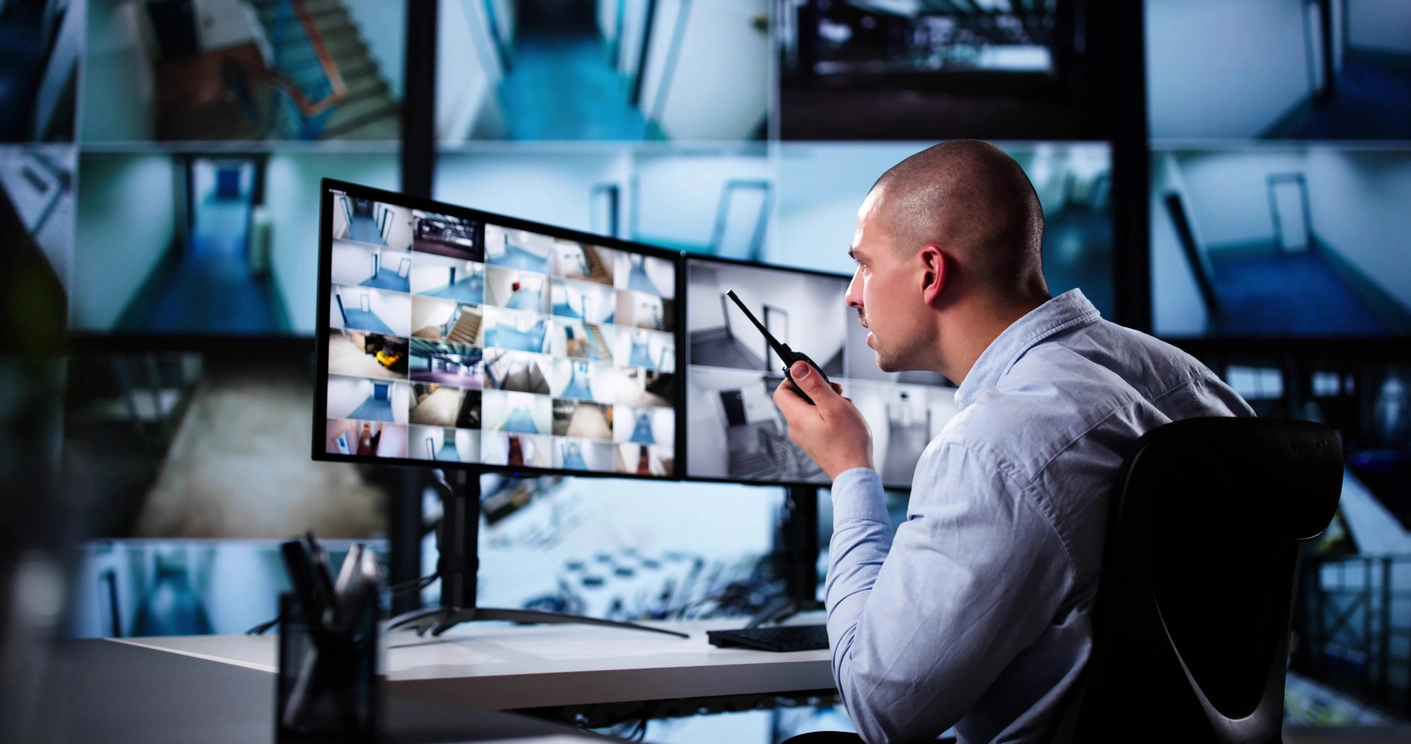
Support regional managers, franchise owners, and operations teams that need visibility into several locations.
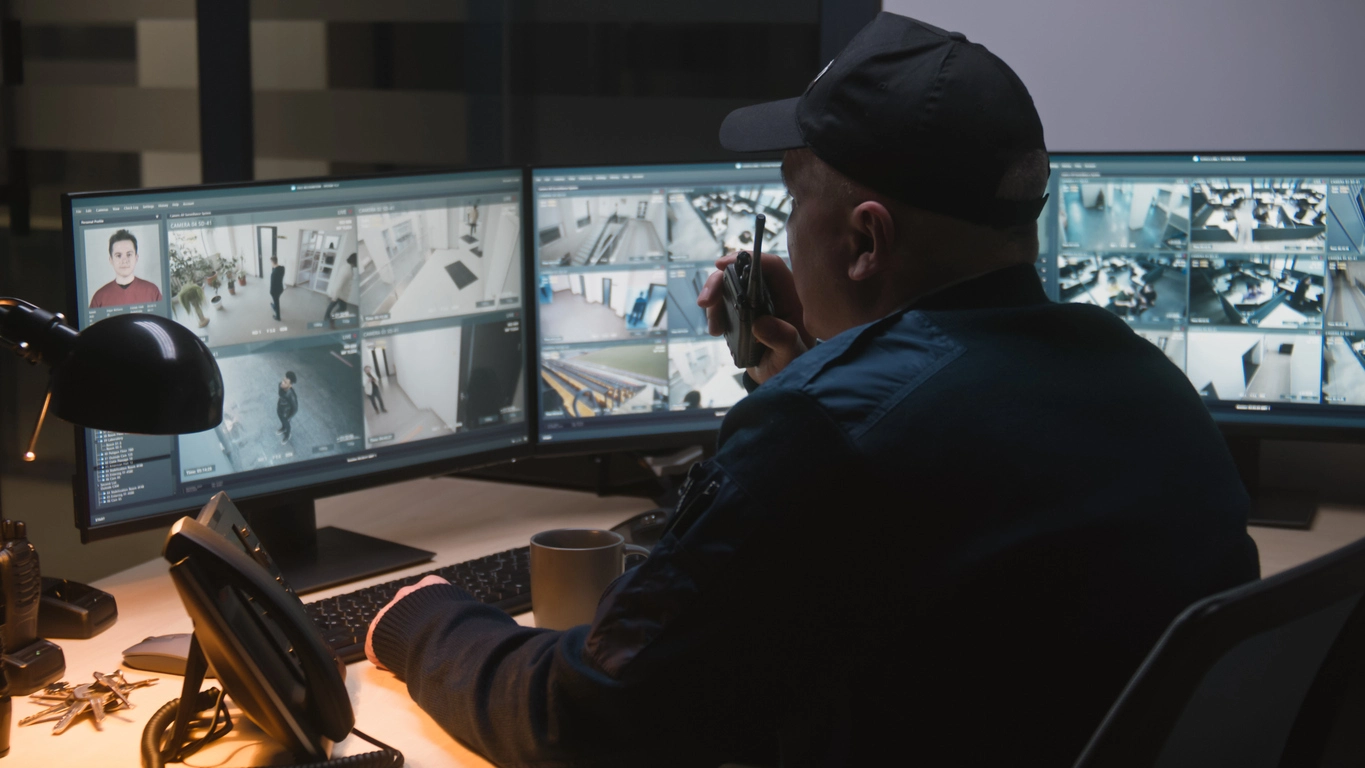
Give approved administrators or facility personnel access to important camera views from supported devices.
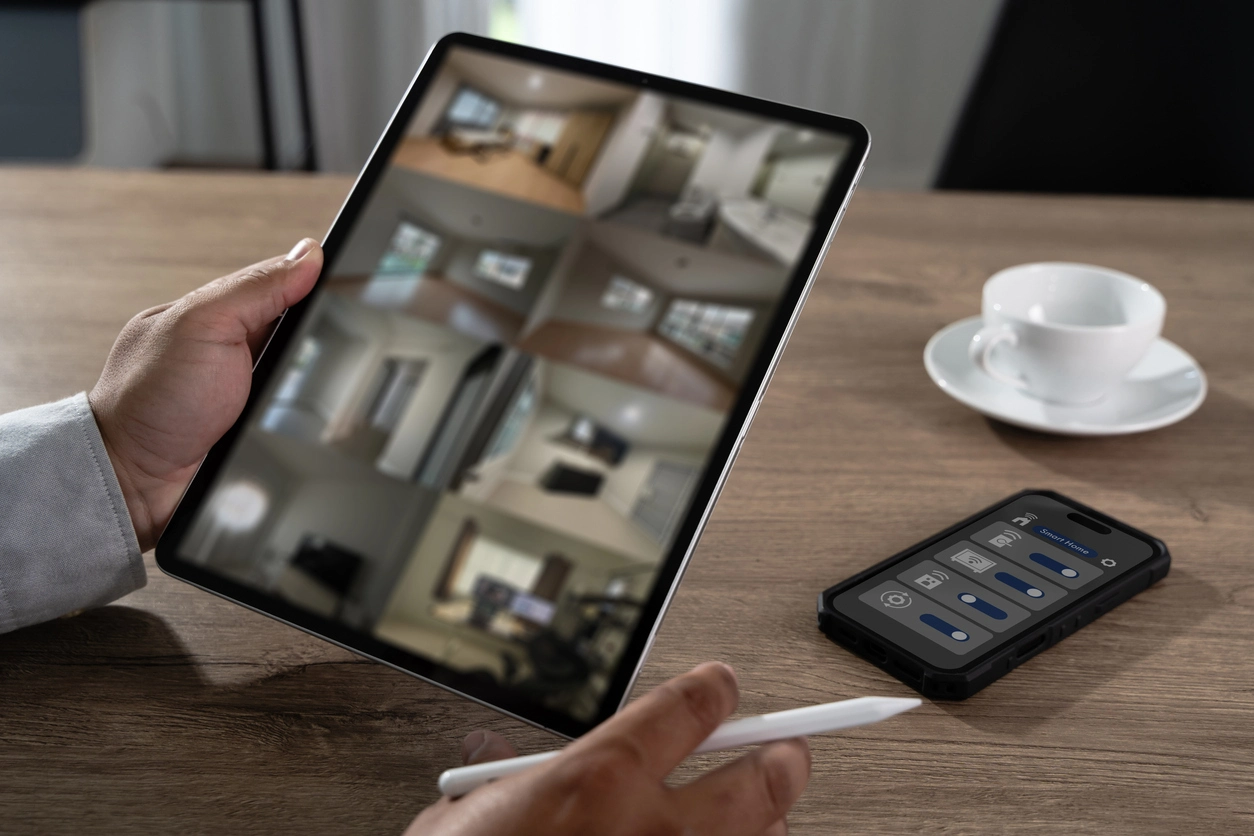
Respond more quickly to alarms, motion alerts, suspicious activity, or customer and employee reports after normal hours.
Planning Considerations
Remote camera access is powerful, but it should be configured carefully so only approved users can view the system.
Remote viewing should not mean open access to every camera for every user. A well-planned system can control who sees which cameras, whether they can view playback, and whether they can change settings.
Camera Security Now helps customers configure remote viewing with user permissions, secure access, recorder compatibility, mobile and desktop options, and practical viewing workflows.
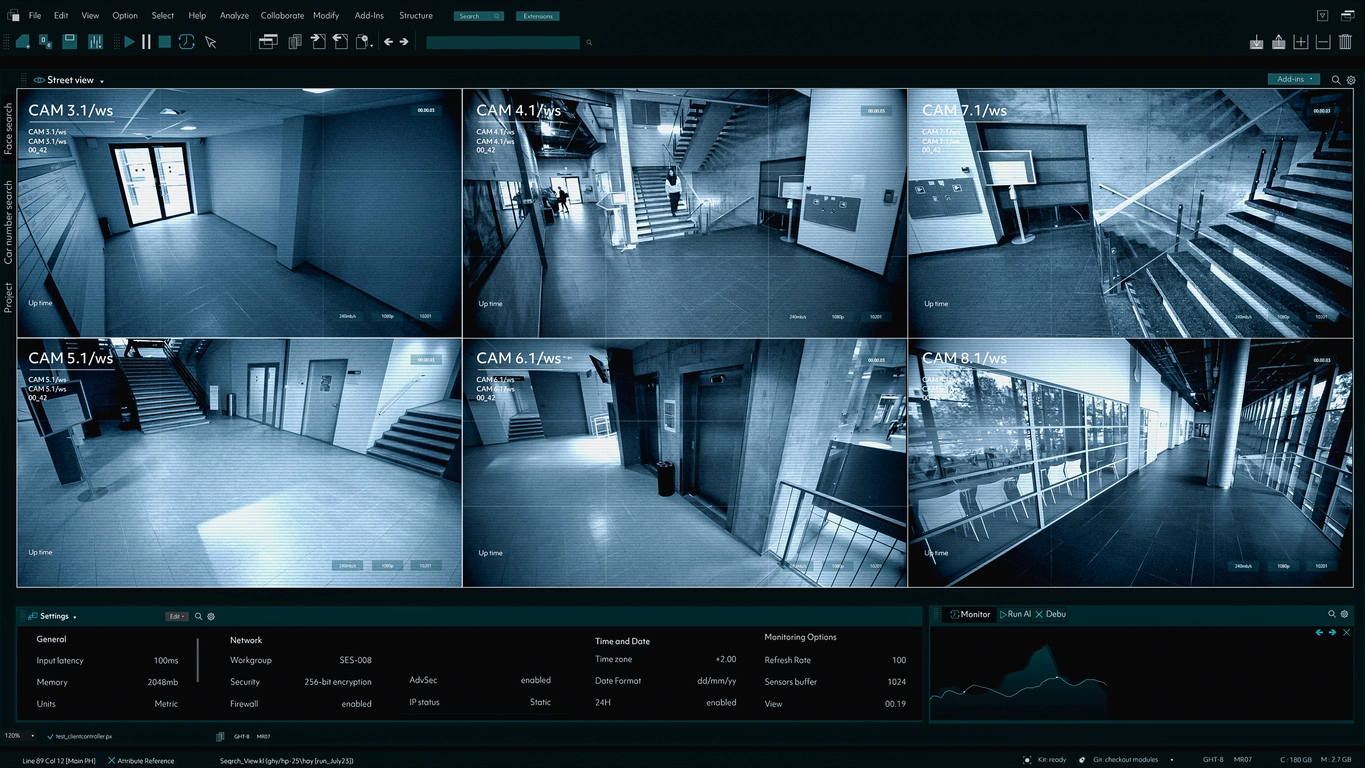
Remote viewing depends on the camera system, recorder, network, internet connection, users, permissions, and security configuration.
Remote viewing can often work on smartphones, tablets, laptops, and desktop computers depending on the system.
Different users may need different access to live views, recorded playback, camera groups, or administrative settings.
Reliable remote viewing requires the recorder, network, and viewing device to be configured properly.
Some camera systems can send motion or event alerts directly to approved users through mobile apps or other notification methods.
Remote viewing connects closely to remote access features, NVRs, storage, motion activation, and centralized camera management.
Remote viewing helps businesses stay connected to their camera systems from supported devices.
Modern security camera systems are often expected to do more than record footage to a local monitor. Business owners and managers want to check cameras from a phone, review recorded footage from a laptop, or receive alerts when activity is detected.
Remote viewing can support retail stores, restaurants, warehouses, offices, schools, campuses, parking lots, and multi-location organizations. It is especially valuable when decision-makers are not always on site but still need visibility into important areas.
Camera Security Now helps organizations configure remote viewing in a way that is useful, secure, and appropriate for the way the business actually operates.
Get answers to common questions about this security camera solution.
Remote viewing allows approved users to view live camera feeds and, depending on the system, recorded footage from supported devices such as smartphones, tablets, laptops, or desktop computers.
Yes. Many modern camera systems can be configured for secure mobile viewing from approved smartphones or tablets.
Yes. Depending on the recorder and software, remote users may be able to review recorded footage in addition to live camera feeds.
Some systems can send alerts or notifications to approved users when motion, events, or supported analytics are triggered.
Tell us what cameras you need to view, who needs access, and which devices your team uses. We’ll help you plan a secure remote viewing setup.